 Now Accepting Consignments
Real Estate Auction
Multi Seller & Property Real Estate Auction
Prime is accepting luxury residential, commercial, land, and condominium properties for an upcoming multi-seller real-estate auction.
View Auction DetailsREAL ESTATE PERSONAL PROPERTY LUXURY ASSETS
Prime Auction Solutions brings buyers and sellers together through a professionally managed auction process designed to create exposure, momentum and action across real estate and personal property.
Explore the listings below. Open an auction for its photos, dates, and details, then follow the link to register and bid.
Now Accepting ConsignmentsReal Estate Auction
Prime is accepting luxury residential, commercial, land, and condominium properties for an upcoming multi-seller real-estate auction.
View Auction Details Registration Open
Complimentary In-Person Seminar
A complimentary McLean seminar connecting the home sale, belongings, financing, moving, and settlement into one practical transition plan.
Reserve My Free SeatFollow the real Prime bidder screens below. Set up your account, register for the auction you want, then bid on its live listing.
Select Bid Online on a current auction to reach its live catalog.
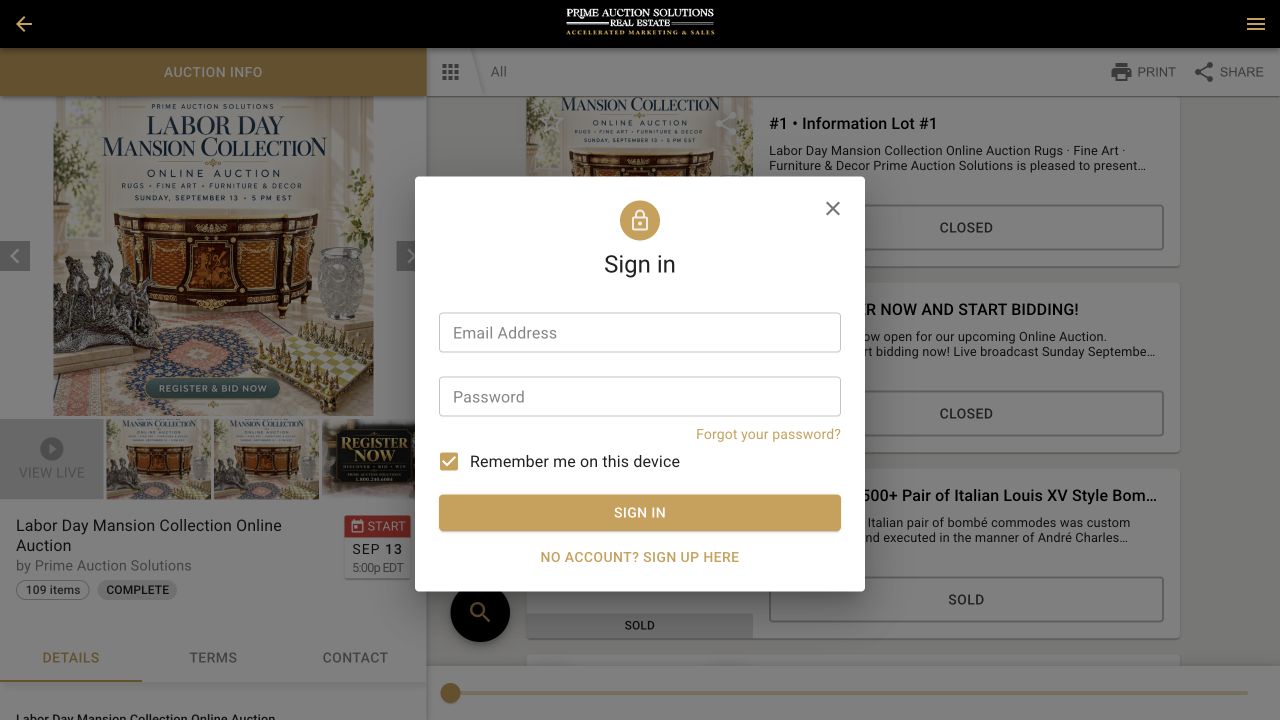
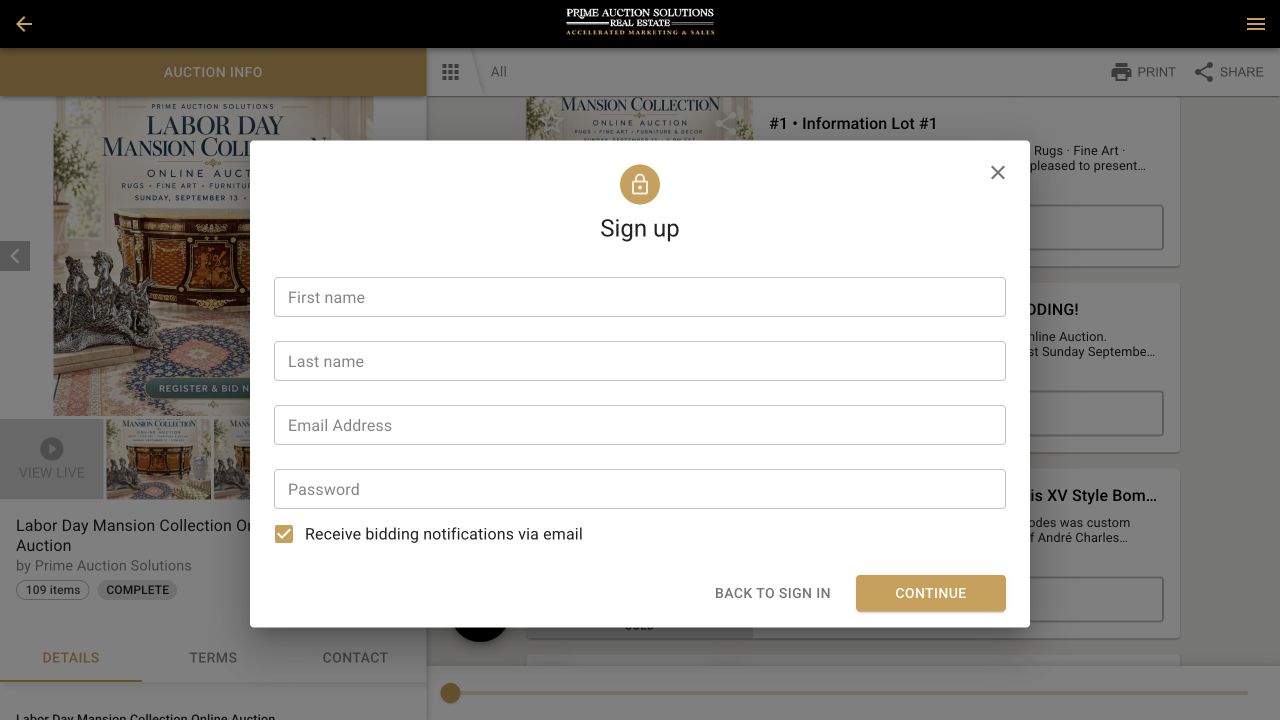
New to Prime's bidding platform? Choose No Account? Sign Up Here. You only create your account once.
Complete registration for that event and add a card to verify your identity. Real-estate auctions may require more.
Confirm auction dates, pickup or shipping, and payment details before bidding on the live listing.
Before you bid: For auctions using card checkout, a winning purchase below that auction's stated threshold is charged to the card on file after the auction. Real estate may follow a different process.
See The Step-By-Step Bidder GuideBring a buyer. Refer a seller. Prime helps real estate professionals bring the auction advantage to their clients while keeping the client relationship at the center.










Quick answers about account setup, auction dates, pickup, shipping, and the next step before you bid.
See The Illustrated Bidder GuideSelect Bid Online for the auction. Sign in, or choose No Account? Sign Up Here to create your account. Then register for that specific auction and add a card to verify your identity. Once approved, open a lot or property and place your bid on the live platform. Real-estate auctions may require additional steps.
Open the auction card, then the live catalog and the item or property that interests you. The event page gives its dates and closing time; pickup, shipping, and inspection details are specific to the auction and may differ by item.
Not necessarily. Current auctions can be opened from the website, and the Prime app provides another way to follow available events from a supported mobile device. Use the method identified on the live listing.
Shipping and delivery options vary by auction. Check the auction page and item details before you bid. Many buyers arrange pickup or shipping directly with Bungii, uShip, Navis Pack & Ship, Craters & Freighters, or a local The UPS Store. uShip may be useful for larger pieces or longer distances. For certain auctions, Prime may help coordinate local delivery. Contact our office after the auction to discuss available options.
If the auction page does not answer your question, email Inquiry@PrimeAuctionSolutions.com or call 1-800-240-6084. Include the auction title, the email on your bidder account, and the step or screen that is unclear. Contact us before the auction closes.
Browse Prime auctions and bid through the official iPhone app.