How To Bid With Prime.
A simple bidder guide
Find an auction, open your account, register for that auction, and bid with the details in front of you.
View Current AuctionsStart here
Four Steps From Browsing To Bidding.
You create your bidding account once. Each auction you want to bid in has its own registration. A card is required for bidder identity verification; real-estate auctions may have additional steps.
- 01
Find The Auction
Start at Current Auctions. Choose an auction card—not a seminar—and open its detail page. Use Bid Online to reach Prime's bidding platform and the full catalog.
- 02
Create Your Bidder Account
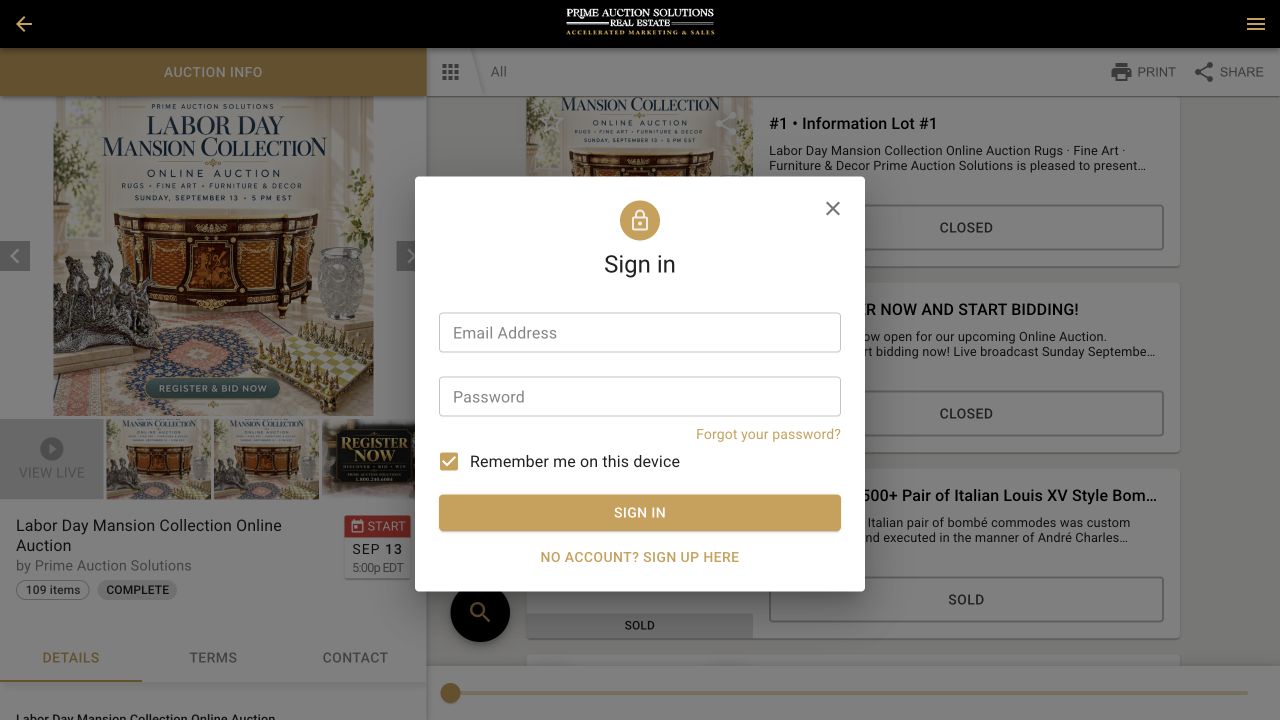
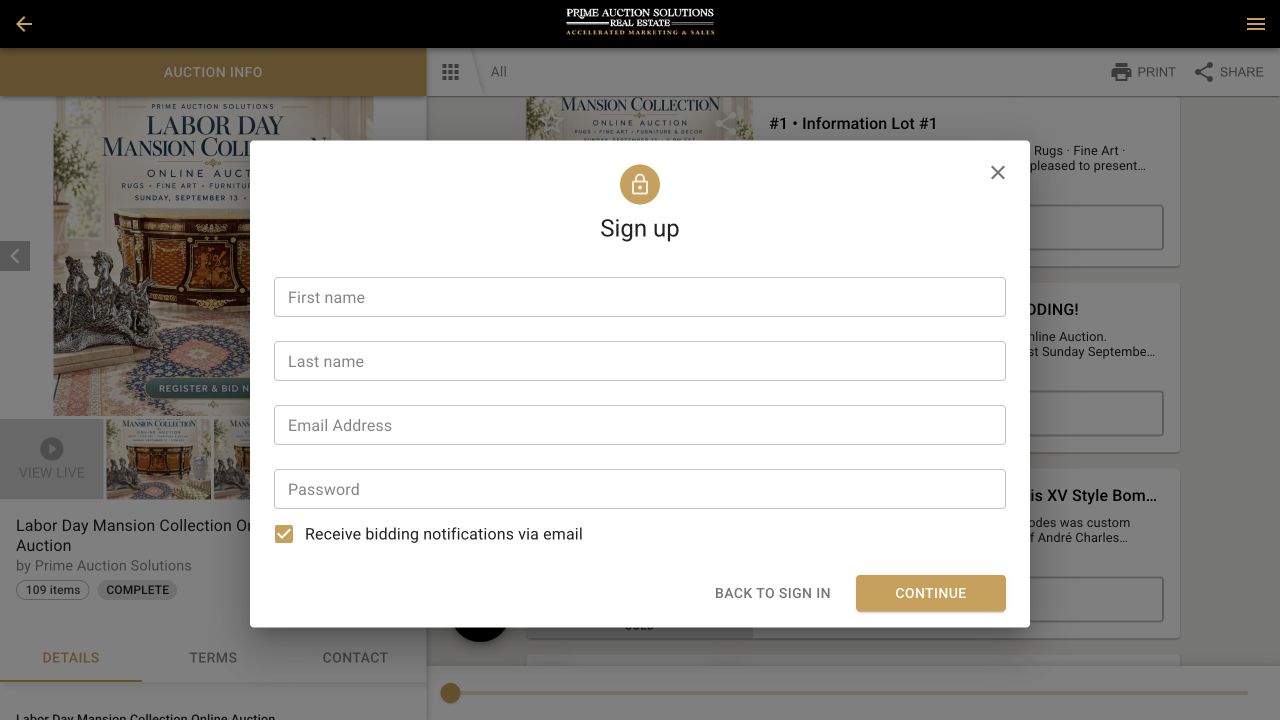
On the bidding platform, select Sign In. If you are new, choose No Account? Sign Up Here, then enter your name, email address, and a password. If you already have an account, sign in instead.
- 03
Register For This Auction
An account and auction registration are separate steps. When registration opens, select Register to Bid for that auction. Add a card for bidder identity verification and complete the event's remaining steps. Real estate may require more. Register early so there is time to resolve a question.
- 04
Choose An Item And Bid
Browse the photos and description for the lot or property you want. Check the auction's dates, pickup or shipping arrangements, and any applicable costs. Then place your bid on the live platform and watch the closing time.
See the actual screens
What Account Setup Looks Like.
These are real account screens captured from a completed example auction. Start from Current Auctions for an event you can bid in; the platform layout may change.
Before you place a bid
Check The Details That Affect You.
- Dates: opening, inspection, and closing times—including the time zone.
- Item or property: description, photographs, and what is included.
- Collection: pickup address, pickup window, and whether shipping is offered.
- Payment: for auctions using card checkout, winning purchases below the auction's stated threshold are charged to the card on file after the auction. Real estate may follow a different process.
Still have a question?
Ask Before The Auction Closes.
Check the auction page and the specific lot or property first. If the answer is not there, email us the auction title, lot or property, and your question. For account help, tell us which email you used to register—never send your password.